
June 30, 2025


เช้าวันพฤหัสฯ ปอเปิด email จากลูกค้า EU พร้อม subject "Accessibility Audit Failed"
ปอเป็น CTO ของ SaaS startup ในไทยที่เพิ่งขายให้ลูกค้ายุโรปครั้งแรก อายุ 33 ลูกค้ารายนั้นเป็นบริษัทประกัน Germany ทำ procurement audit แล้วพบว่าเว็บปอไม่ผ่าน WCAG 2.2 AA: contrast ต่ำ 18 จุด · keyboard navigation broken 7 ที่ · screen reader fail 12 element
email ปิดด้วย "We will need this resolved within 30 days or rescind the contract"
ผมรู้จักความตกใจของปอดี เพราะปี 2025 ผมเคยให้คำปรึกษาลูกค้าธุรกิจไทยที่โดน lawsuit จากลูกค้าอเมริกาเรื่อง ADA compliance ลูกค้าเสียค่าทนาย + settlement รวม 1.2 ล้านบาท ทั้งที่ถ้า audit ตั้งแต่ design ใช้เงินแค่ 50,000-100,000 ก็ป้องกันได้ คุณรู้ไหมว่าเว็บไซต์ส่วนใหญ่ในไทยผ่าน WCAG 2.2 AA กี่เปอร์เซ็นต์?
WCAG 2.2 คือมาตรฐานเว็บที่ทุกคนเข้าถึงได้ มี 3 ระดับ A, AA, AAA โดย AA คือมาตรฐานหลักที่ธุรกิจต้องทำ เช็กลิสต์ 8 ข้อสำคัญ: contrast ≥4.5:1, ทุกรูปมี alt text, keyboard navigation ครบ, touch target ≥24x24 px, focus visible, form labels ครบ, semantic HTML และ ARIA labels สำหรับ custom component · EU Accessibility Act บังคับใช้ June 2025 เว็บที่ไม่ผ่านเสี่ยง lawsuit · ราคา audit ในไทยเริ่มต้น ฿15,000
ปอไม่ใช่คนเดียวที่ตกใจเรื่องนี้ ผมเจอ CTO ของ SaaS ไทย 20+ ราย ที่เพิ่งรู้ว่าเว็บไม่ผ่าน WCAG ตอนได้ procurement request จากลูกค้าต่างประเทศ คุณคิดว่าเว็บที่ "ดูปกติ" สำหรับคุณ ผ่าน WCAG 2.2 AA จริงๆ ไหม?
เหตุผลไม่ใช่แค่ "ช่วยผู้พิการ" แต่เป็นเรื่อง business risk + legal compliance + SEO
EU Accessibility Act บังคับใช้ตั้งแต่ June 2025 ·เว็บที่ขายของ/บริการให้ EU customer ต้องผ่าน WCAG 2.2 AA US ADA Title III lawsuit เพิ่มขึ้น 320% ระหว่าง 2018-2024 มี settlement เฉลี่ย $25K-$75K ต่อ case
เปรียบเทียบกับ payment compliance: ถ้าคุณรับบัตรเครดิตคุณต้องผ่าน PCI DSS · ถ้าคุณมีลูกค้า WCAG 2.2 AA คือเสาหลักเดียวกัน
เกณฑ์ทั้ง 8 ข้อในบทนี้ ผมอ้างอิงจากแนวทางของ คู่มือ Accessibility ของ web.dev (Google) ซึ่งสรุปหลัก WCAG ให้ developer ทำตามได้จริง
ผมเปรียบ accessibility เหมือนการสร้างทางลาดสำหรับรถเข็น ทำตั้งแต่ตอน design ใช้เงินไม่กี่บาท ทำหลัง launch ต้องทุบของเดิม
Text ต่อ background contrast ratio ≥ 4.5:1 (normal text) · ≥ 3:1 (large text 18pt+) · UI component (button border, icon) ≥ 3:1
เคสจริง: ผมเคย audit เว็บลูกค้าพบ button สี grey #999 บน white background = ratio 2.85:1 ไม่ผ่าน เปลี่ยนเป็น #707070 = ratio 4.51:1 ผ่าน คน user ทั่วไปไม่เห็นความต่าง แต่ผู้สูงอายุ + low-vision user เห็นชัดขึ้นมาก
Alt text ที่ดี: describe ภาพให้ screen reader user เห็นภาพ "ผู้หญิงสวมสูทกำลังพูดในห้องประชุม" ไม่ใช่ "รูปภาพ" หรือ "IMG_2398.jpg"
Decorative image: alt="" (เปล่า) เพื่อให้ screen reader skip
ทุก interactive element (button, link, form, dropdown) ต้องเข้าถึงด้วย Tab key ได้ tab order ต้อง logical (top to bottom, left to right) Esc ปิด modal/menu
Test ง่ายๆ: ลอง browse เว็บคุณโดยไม่ใช้เมาส์ 5 นาที ถ้าทำ task หลักไม่ได้ = fail keyboard nav
WCAG 2.2 success criterion 2.5.8: target size ≥ 24x24 CSS pixels สำหรับทุก interactive element บน mobile ครอบคลุม button, link, checkbox, form input
เคสจริง: เว็บลูกค้าที่ผม audit มี close button (X) ขนาด 16x16 ผู้ใช้ผู้สูงอายุกด miss ทุกครั้ง เปลี่ยนเป็น 32x32 click-through rate ปุ่มอื่นในหน้าเพิ่ม 23%
เมื่อ user Tab ไปถึง element ต้องเห็น focus indicator ชัดเจน (outline หรือ background change) WCAG 2.2 เพิ่ม criterion 2.4.11: focus indicator ต้องมี contrast ≥ 3:1 และไม่ถูก content บัง
ปัญหาที่พบบ่อย: developer ใส่ outline: none ใน CSS ลบ focus
indicator ทิ้ง ·ต้องเพิ่ม custom focus style ที่เห็นได้แทน
ทุก form input ต้องมี <label> ที่เชื่อมด้วย for/id Error message ต้องบอก "ทำไม fail + วิธีแก้" ไม่ใช่แค่ "Invalid"
ใช้ <header> <nav> <main> <footer> <article> <section> ตามความหมาย ไม่ใช่ <div> ทั้งหมด screen reader ใช้ landmark นี้นำทาง
Custom component (modal, dropdown, tab) ต้องมี aria-label, aria-labelledby, aria-expanded, role attribute ที่ถูกต้อง
| Tool | ตรวจ | ราคา |
|---|---|---|
| axe DevTools | Browser extension · automated test ครอบคลุม 50% ของ WCAG | ฟรี / $40/mo Pro |
| WAVE | Visual overlay ของ issues บน page | ฟรี |
| Lighthouse | Chrome built-in audit · accessibility score 0-100 | ฟรี |
| NVDA | Screen reader test (Windows) | ฟรี |
| VoiceOver | Screen reader test (Mac/iOS) · built-in | ฟรี |
| Service | ราคา |
|---|---|
| Basic Audit (Lighthouse + axe) | ฿15,000-30,000 |
| Full WCAG 2.2 AA Audit (manual + automated) | ฿50,000-120,000 |
| Remediation (เว็บขนาดกลาง 30 หน้า) | ฿80,000-250,000 |
| VPAT (Voluntary Product Accessibility Template) | ฿30,000-60,000 |
"Accessibility ไม่ใช่ checkbox compliance มันคือ design philosophy ที่บอกว่าเว็บของคุณยินดีต้อนรับทุกคน เว็บที่ผ่าน WCAG 2.2 AA มักมี UX ดีกว่าสำหรับ user ทั่วไปด้วย เพราะ accessibility = clarity"
WCAG 2.2 (ตุลาคม 2023) เพิ่ม 9 success criterion ใหม่: focus appearance, dragging movements alternative, target size 24x24, consistent help, redundant entry, accessible authentication อื่นๆ ส่วนใหญ่เน้น cognitive accessibility และ mobile UX
Basic ฿15K-30K (automated test only) · Full audit ฿50K-120K (manual + automated + report) · Remediation ฿80K-250K ขึ้นกับขนาดเว็บ · VPAT documentation ฿30K-60K
AA คือมาตรฐาน enterprise + government ทั่วโลก (EU, US, Canada, Australia) AAA ใช้เฉพาะ government/medical/banking ที่ผู้พิการเข้าใช้บ่อย ระดับ A เป็น minimum ไม่ถือว่า compliance แนะนำ target AA เป็น default
Webflow มี Accessibility checker built-in ใน Designer (Audit Panel) ตรวจ alt text, heading hierarchy, color contrast แต่ระดับ AA ยังต้อง manual review keyboard nav + ARIA + form labels ผ่าน Webflow ทำได้ระดับ AA ถ้า designer/developer ใส่ใจ
ใน US ADA Title III lawsuit เกี่ยวกับ web accessibility เพิ่มขึ้น 320% ระหว่าง 2018-2024 settlement เฉลี่ย $25K-$75K EU Accessibility Act บังคับใช้ June 2025 มี fine สูงถึง 5% ของ annual revenue สำหรับธุรกิจไทยที่ขาย global → ต้องทำ
ปอเริ่ม audit ด้วย Lighthouse + axe DevTools เจอ 47 issues
ทีม dev 2 คนใช้เวลา 3 สัปดาห์ remediate ทั้งหมด: เปลี่ยน color palette ให้ผ่าน contrast · เพิ่ม alt text 180 รูป · refactor form ใส่ label · เพิ่ม focus indicator · เพิ่ม ARIA สำหรับ custom dropdown
ลูกค้า EU re-audit ผ่าน WCAG 2.2 AA contract เซ็นเรียบร้อยภายใน 30 วัน
ผมถามปอว่ารู้สึกยังไงกับ remediation 3 สัปดาห์
เขานิ่งไปนาน แล้วบอกว่า "พี่ มันคุ้มกว่าทำ accessibility design from scratch แค่นิดเดียว แต่ผมรู้แล้วว่าทำตั้งแต่แรกประหยัดเงิน 5-10 เท่า"
สิ่งที่ทำได้ทันที: เปิด Lighthouse audit บน Chrome DevTools (F12 → Lighthouse → Accessibility) คืนนี้ run audit หน้า homepage ของเว็บคุณ ถ้าคะแนนต่ำกว่า 90 = ต้อง remediate ถ้าต่ำกว่า 70 = เริ่ม audit เต็มทันที
ก่อนปรับ UX คนเข้าเว็บแล้วออกเลยค่ะ แต่พอรีดีไซน์ใหม่ กลายเป็นจุดที่ปิดการขายได้ดีที่สุดแทน!

หลังรีแบรนด์กับ Vision X Brain ยอดขายพุ่ง x3 ภายใน 2 เดือน!

เปลี่ยนเว็บกับ Vision X Brain แค่ไม่กี่วัน ลูกค้าใหม่เริ่มเข้าใจธุรกิจเราทันที

หลังรีดีไซน์กับ Vision X Brain ลูกค้าระดับองค์กรเริ่มเข้ามาจองงานผ่านเว็บไซต์เอง — ไม่ต้องพึ่งคอนเนคชั่นเหมือนก่อน

หลังจากเปลี่ยนเว็บไซต์กับ Vision X Brain ผู้ใช้งานกล้ากดทดลองระบบตั้งแต่หน้าแรก — ไม่ต้องตาม โทร หรืออธิบายซ้ำอีก



สถาปัตยกรรมเว็บโรงแรมที่ขายได้จริง: หน้าบ้านที่น่าเชื่อถือ + จองตรงบนโดเมนตัวเอง + Channel Manager ซิงก์ทุกช่องทาง พร้อมเช็คลิสต์เลือกระบบแบบข้อต่อข้อ
จากเว็บบริการดูแล Airbnb ที่เราออกแบบในยุคแรก สู่ซอฟต์แวร์ Channel Manager ที่เชื่อม 60 ช่องทางขายทั่วโลก — บทเรียนการสร้างแบรนด์ที่โตข้ามธุรกิจ และงาน SEO ยุค AI ที่เจ้าของธุรกิจมักลืม
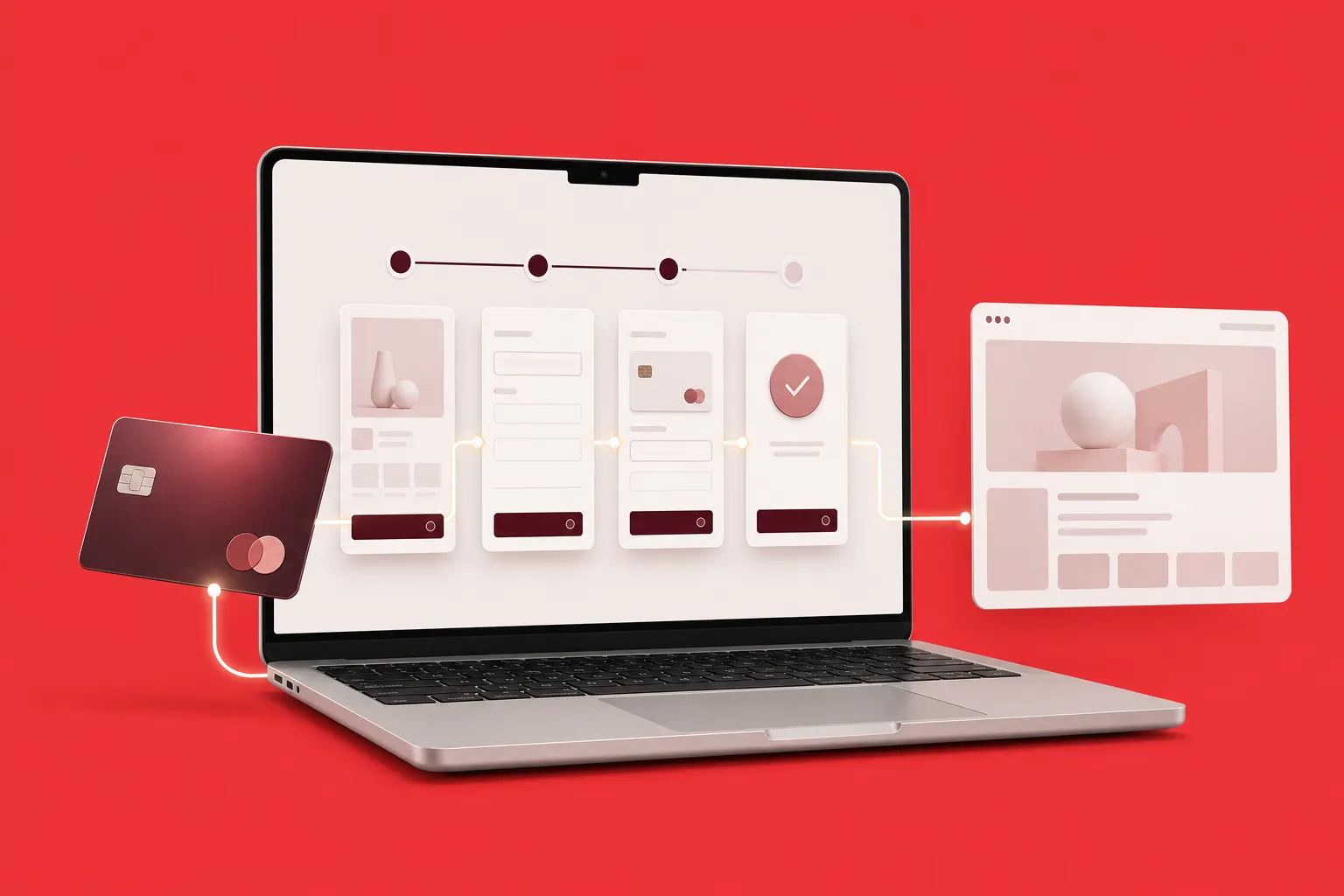
เทียบ 4 วิธีเชื่อม Stripe กับ Webflow ทั้ง Payment Links, Webflow Ecommerce, custom code และเครื่องมือเสริม พร้อมขั้นตอนจริงและเช็กลิสต์ก่อนเปิดรับเงิน
